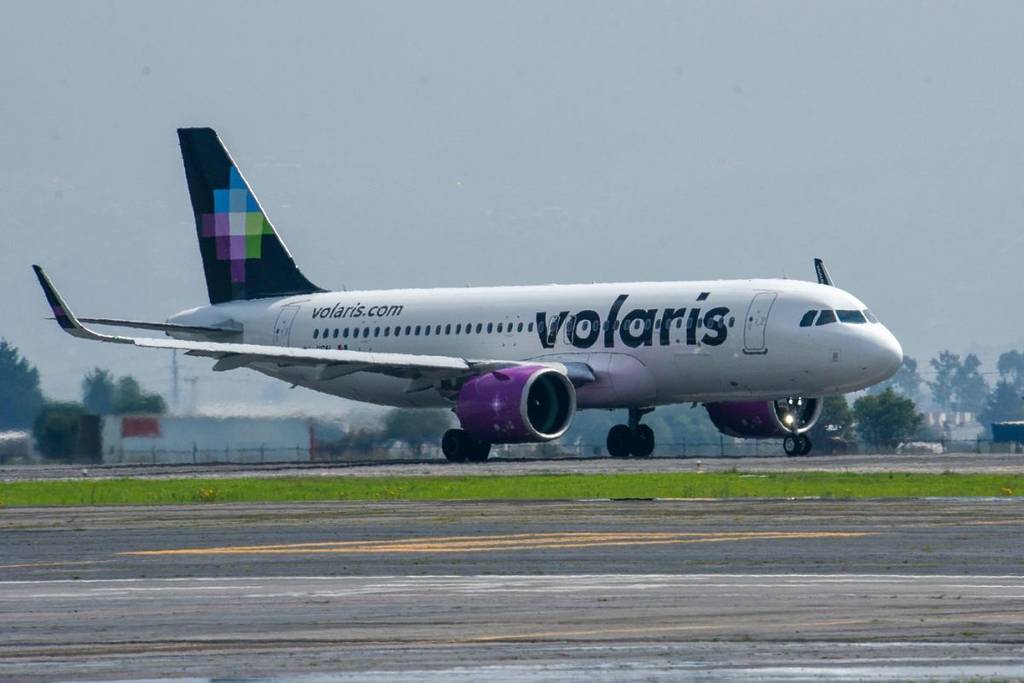

As part of the safety measures, some airlines are canceling their trips to the cities of Guadalajara and Puerto Vallarta; Volaris is joining in the precautions, so you can reschedule your flight at no charge.
The airline announced on social media that the roads leading to the airport areas have been affected. If you had a trip scheduled to depart from or arrive in Puerto Vallarta or Guadalajara, it is essential that you stay up to date on the status of your flight here.
If your flight is delayed or canceled, you can change it through the Volaris app or website.
How do I change my flight from the app?
- Install and update the app.
- Click on “My Trips” and check your active reservations.
- Customize the flight you want to change.
- Click on “Choose available options.”
- Select the new date and/or destination.
- Review the changes, accept, and finalize.
- Your new itinerary will be sent to your email address.
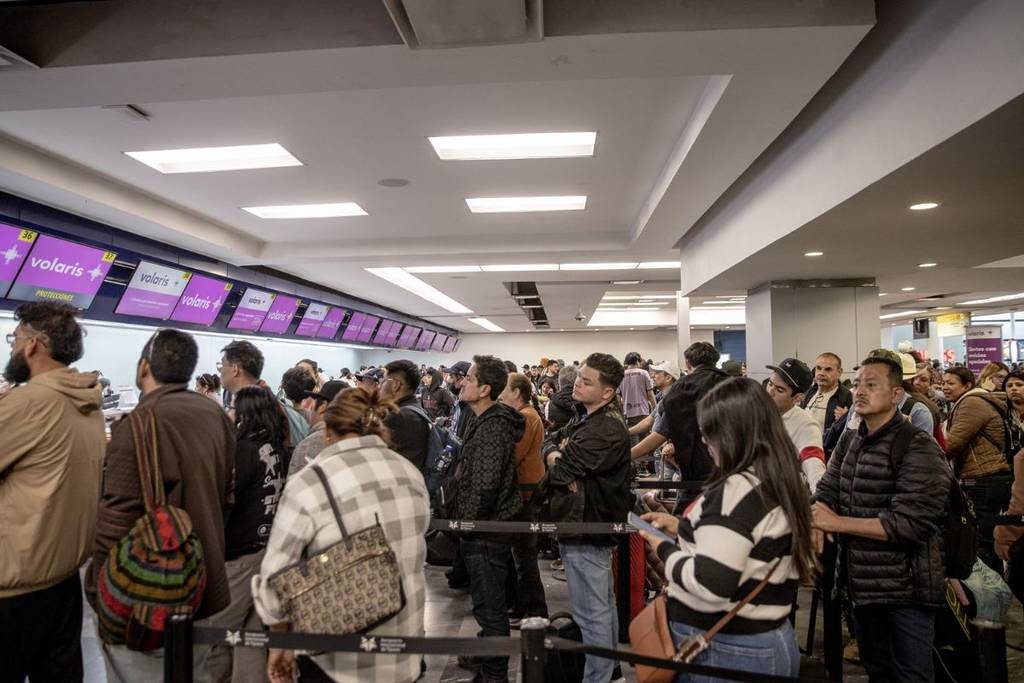
Do it from the Volaris My Trips website.
- Go to www.volaris.com/mytrips.
- Filter by flight code and last name.
- Click on “Change flight.”
- Select a new date or destination.
- Review and finalize.
- The itinerary will be sent to your email address.
Stay safe and follow the instructions of local authorities!
Are you in Jalisco? Here’s how you can receive official alerts after the red code.