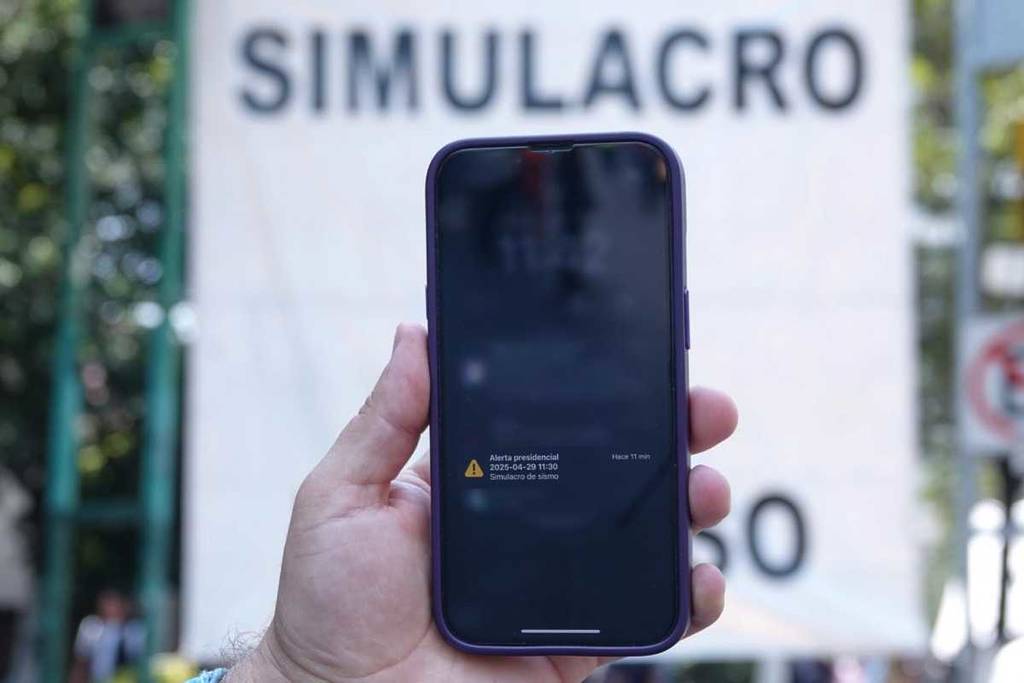
Do you already know how to activate the seismic alert on cell phones? The only thing you have to do is verify that your phone has the wireless alerts activated. Here we tell you how you can configure your iPhone and Android device.
It is worth mentioning that the alert on cell phones will sound regardless of whether the cell phone is locked or on silent.
How to activate the seismic alert on cell phones?
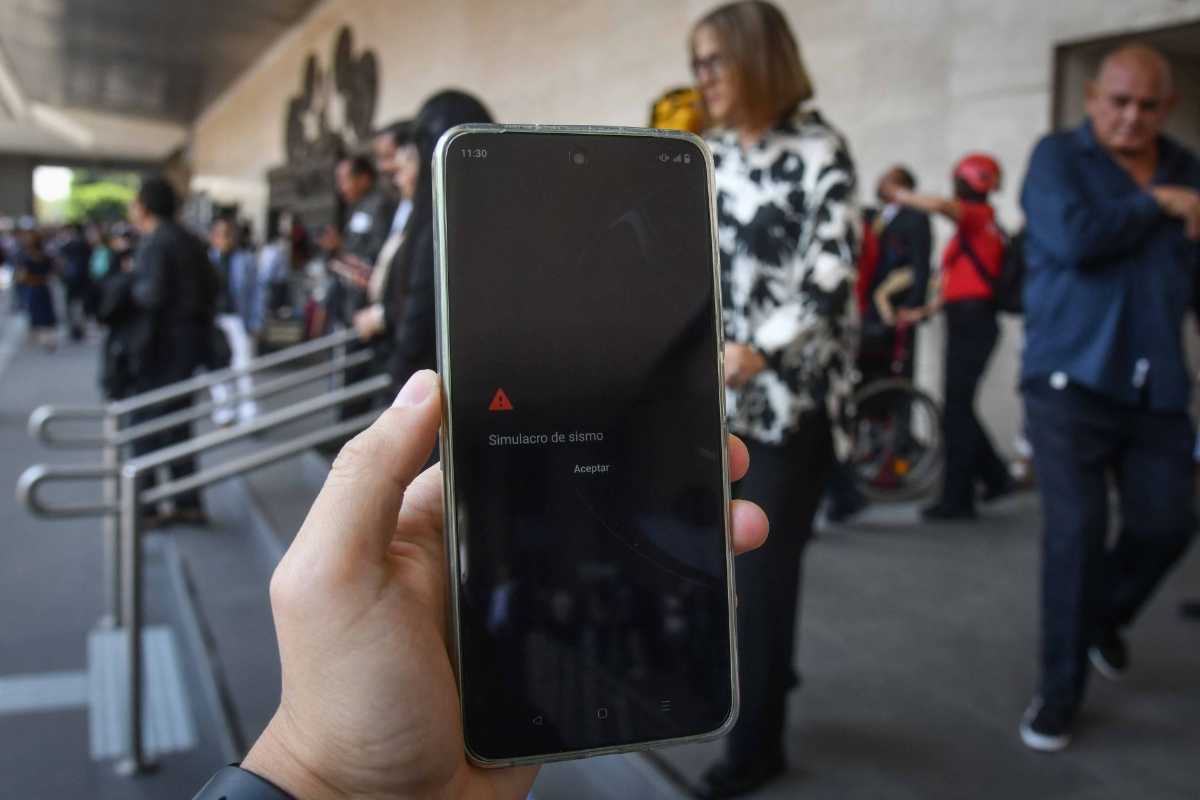
The first thing you need to know is that you don’t really have to do much to receive this seismic alert. You don’t have to download any application, update your device or have credit or internet; you just have to check that it is properly configured.
In a press conference, the National Civil Protection Coordination detailed how to activate wireless alerts on cell phones:
- iPhone: just go to Settings and then Notifications. In that section you will see Government Alerts, which you must activate to receive the new seismic alert.
- Android: first go to Settings and then to Notifications. Then go to Advanced Settings and Wireless Emergency Alerts. If you do not find the option you can go to Settings and type Wireless Emergency Alerts in the search engine. Make sure to enable the option and you’re done.
In case you have problems activating the wireless alerts, don’t worry, you can request help by dialing 079.
In addition to alerting about earthquakes, it is expected that the Mass Alerting System will work to issue quick alerts about other situations such as hurricanes, floods and natural disasters. In this case, messages would be sent regionally in the affected areas.
The alarm on your cell phone does not replace the Mexico City alerts, which will continue to emit a sound to call neighbors and citizens. If your nearest alert did not sound, you need to report it: here you can find out how to do it.